
Choose a product & package
Check the package, warehouse and destination before adding to your cart.
Start on the shop you intend to buy from. Different vendors can have different stock and delivery coverage.
See where to go
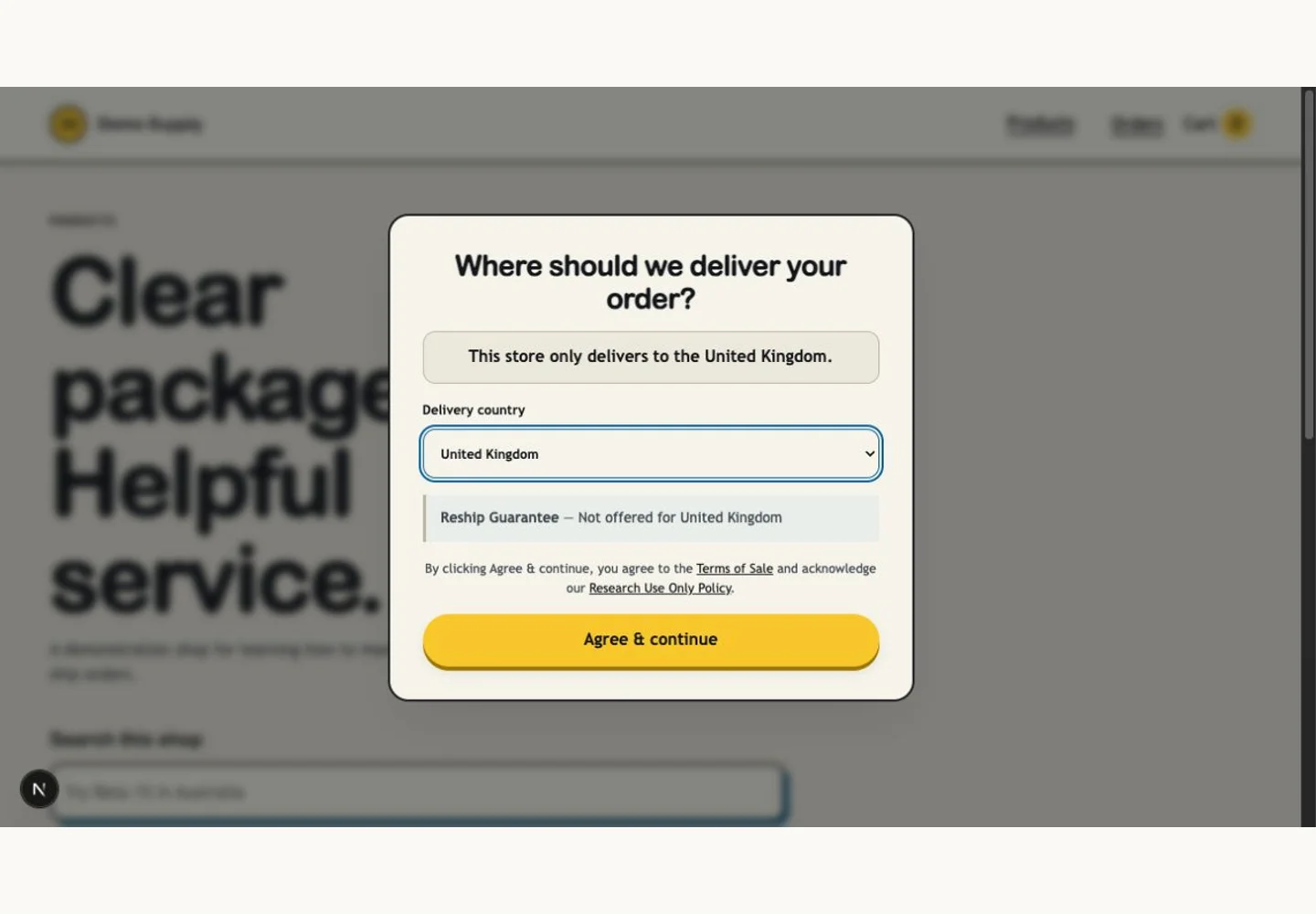
Use the delivery destination control so the shop can show relevant availability. If no route is available, contact the shop before ordering.
Choose your destination
Use the delivery destination control so the shop can show relevant availability. If no route is available, contact the shop before ordering.
Find the product
Browse or search the catalog. Open product details to read the description, images and any provided lab report.
Select a package
Check strength or size, units per package, price, stock and warehouse. One cart quantity means one selected package.
Check the cart
Add the required quantity and review the selected items before checkout. On the market, pay attention to the named seller for each item.
What you should see
Your cart contains the intended packages and quantities.
If something is not right
A product is unavailable
Check your destination and warehouse selection. Stock and delivery coverage can change; ask the vendor about availability.