
Understand your order emails
Order confirmation, payment, shipping and refund messages explained.
Messages use your checkout contact email when provided. Check that inbox and its spam folder.
Order confirmation
This is sent when the order reaches its paid state and summarises what was ordered. Open the order page for the current status, including any later changes or refunds.
Payment result
You can receive a payment received message or an update for a declined, cancelled or errored payment. Read the state and the next action.
Shipment and delivery
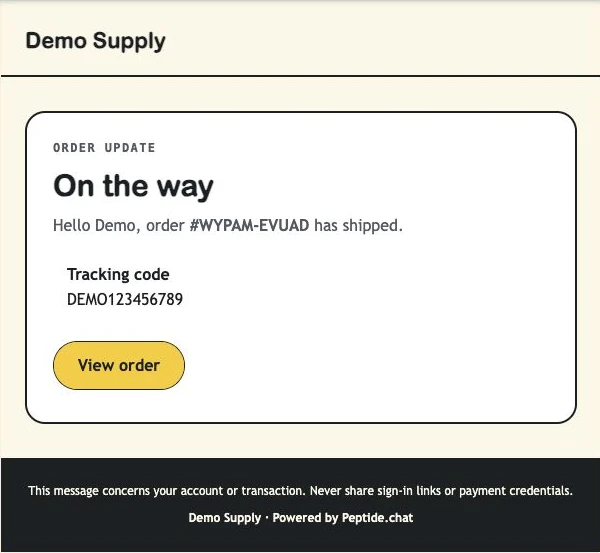
A shipment marked Shipped sends tracking when an email address is available. A shipment marked Delivered produces a delivery update. These are recorded states, not a promise of live carrier tracking.
Cancellation and refund updates
Order cancellation and refund-status changes have separate messages. A refund request is not the same as a completed refund.
What you should see
You can match each email to the order page and know what needs action.
Example: the customer’s shipment email
At a glance: who receives what
| Event | Customer | Vendor |
|---|---|---|
| Payment settled | Confirmation + payment result | Payment received |
| Payment declined, cancelled or errored | Payment status update | Check the order; alerts may require action |
| Shipment marked shipped | Tracking update | Check order history |
| Shipment marked delivered | Delivery update | Check order history |
| Order cancelled | Cancellation email | Check order status |
| Refund status changes | Refund update | Refund update |
If something is not right
No email arrived
Check the checkout address, spam folder and order page. If the problem continues, contact support with the shop name and order number. Do not share a password or secure order-link token.