
Find tracking & understand delivery
See which items have shipped and find the tracking number.
Have access to your order page or shipment email.
Open your order
Select the order in Orders or use your secure order link.
Read the shipment progress
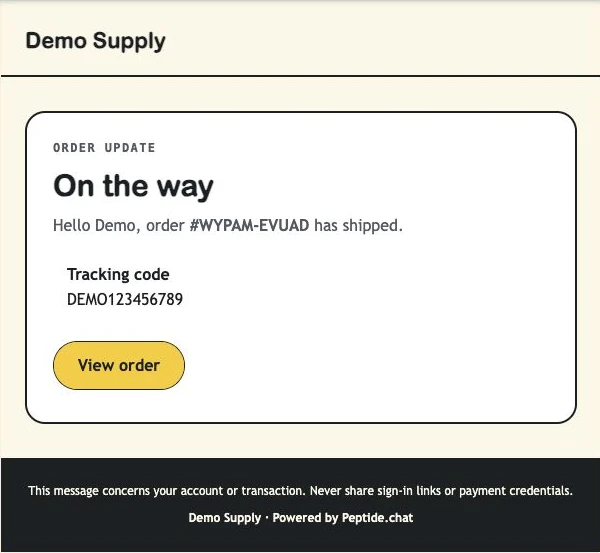
The Progress section shows recorded shipment states and tracking codes. Before a shipment is recorded, there may be no tracking number.
Check each package
A partial shipment means some items may follow separately. Check each recorded shipment and use the carrier information from the vendor or email.
Contact the vendor about delivery issues
For a missing parcel, wrong tracking code or incomplete delivery, send the vendor your order number and the affected package. Payment issues can go to platform support.
What you should see
You know the recorded shipment status and which tracking number belongs to your order.
Example: the customer’s shipment email
If something is not right
Tracking has no carrier updates yet
A recorded tracking number does not guarantee the carrier has scanned the parcel. Ask the vendor if updates remain unavailable.